
In our plugin, we are providing to translate the text to your language in the Schema for this you need to follow below steps.
You will find this option in the WordPress Dashboard -> Structured Data -> Settings -> Advanced -> Translation Panel -> Which text you want to translate just you need to add this text in below fields.
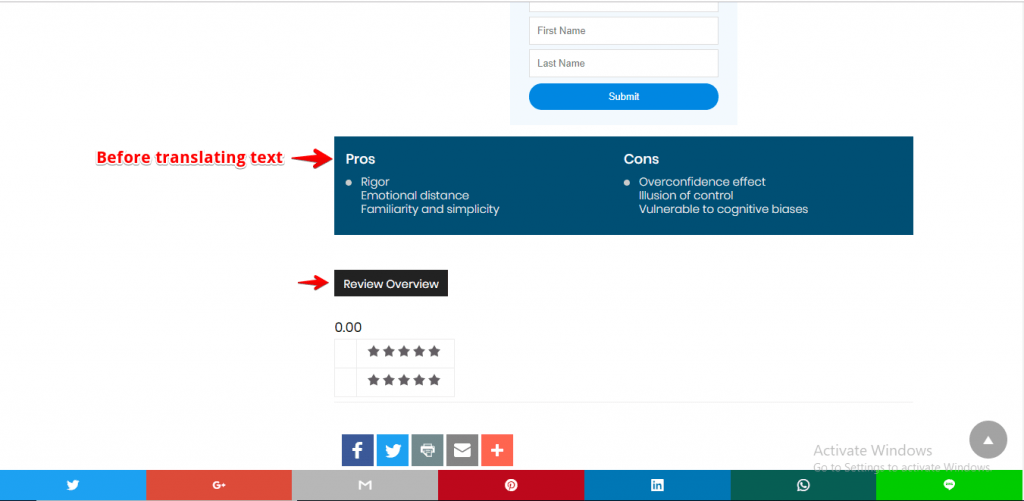
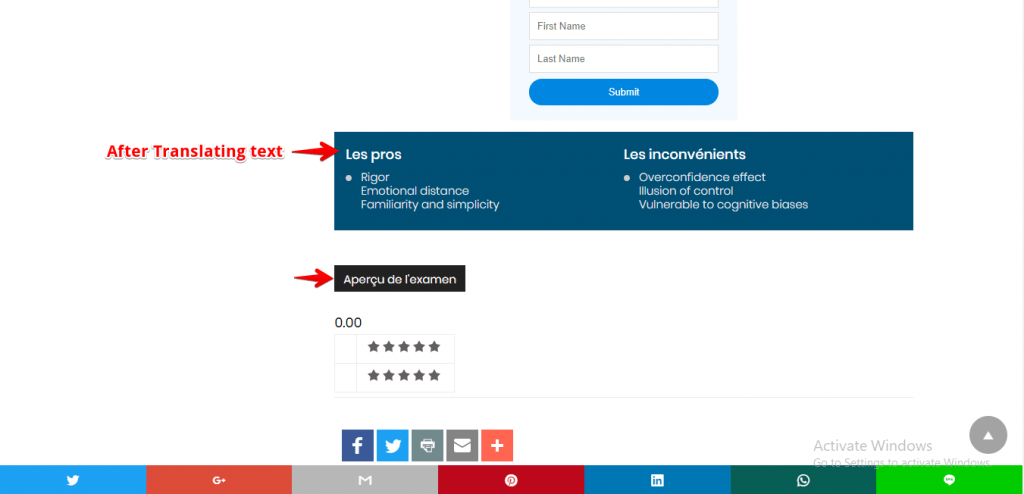
For example, I am using the French language to translate the text like below the screenshot.

Before translating the text in the Schema
After translating the text in the Schema
That’s it for this tutorial!
We hope it helped you. If you have any feedback or questions or do you want us to create compatibility for any other schema type which isn’t listed in our plugin then you can request us we will surely implement it as soon as possible.
Just contact us here and we are always available for you.
